
How to open a Command Prompt
To open the Command Prompt ( Be careful this is a very powerful tool, not for the faint hearted )
Click the Start Menu and in the ‘Search programs and files’ box type cmd and hit Enter.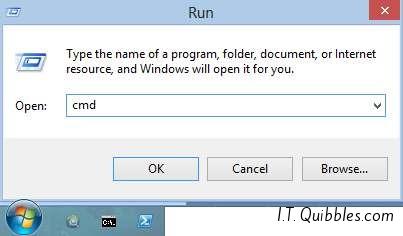
or click the Start Menu and click ‘Run’, in there type cmd and hit Ok or Enter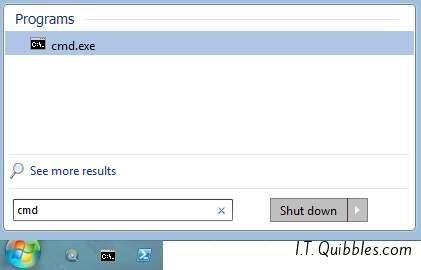
You’ll now see the Command Prompt (cmd) looking like this: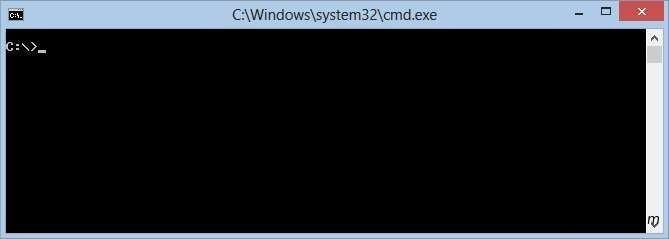
This is how you open up the Command Prompt “cmd”
Leave a Reply